
Custom WordPress vs. Elementor: What’s the Difference?
Learn the differences between custom WordPress development and Elementor, including performance, flexibility, stability, and website management.
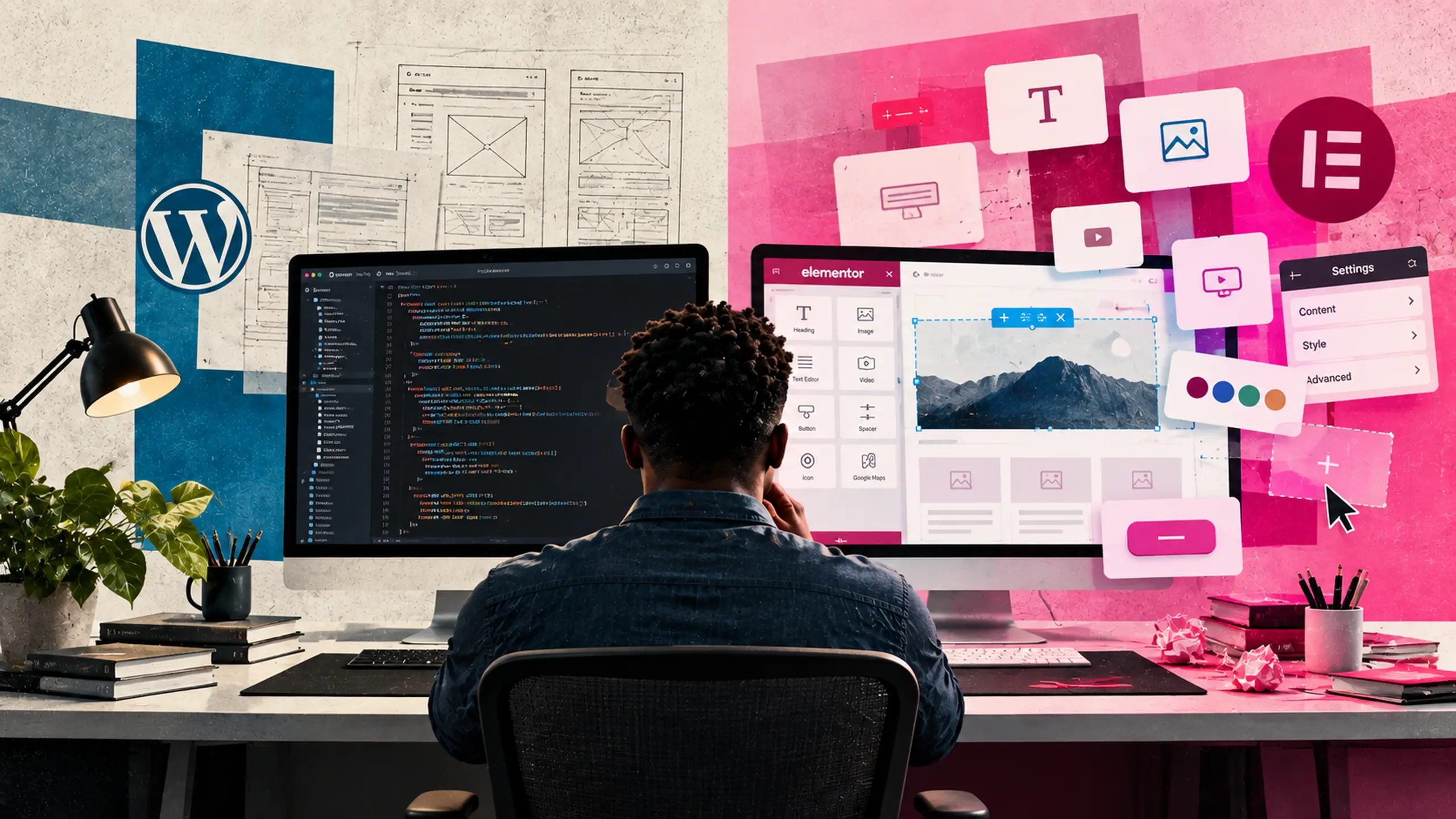
WordPress gives businesses tremendous flexibility in how their websites are built, allowing two developers to create websites that look similar on the outside while taking completely different approaches behind the scenes. One common approach relies on visual page builders like Elementor, while another focuses on developing a custom WordPress theme specifically tailored to the project’s unique needs.
While I take the second approach, there is nothing inherently wrong with Elementor. It has made professional-looking WordPress websites accessible to people without technical knowledge. However, when developing a website for a business—particularly one supporting SEO, paid advertising, and performance marketing—I prefer the flexibility, speed, and long-term stability of a custom WordPress build.
What Is Elementor?
Elementor is a visual page builder that replaces traditional template development (using PHP, HTML, CSS, and JavaScript) with a drag-and-drop interface containing prebuilt elements. For designers, agencies, and business owners without deep development experience, this approach offers an accessible way to design pages visually.
The tradeoff is that the website becomes heavily dependent on Elementor’s framework to manage its layout and functionality. Rather than WordPress serving as the direct foundation, Elementor acts as an additional layer stacked between WordPress and your finished site.
Why I Prefer Custom WordPress Development
My approach keeps the website as close to WordPress’s native architecture as practical while building out the exact functionality each project requires. This gives me complete control over how the website functions, eliminating the need to work within the constraints and conventions of a third-party page builder.
Performance and Cleaner Code
Large page builders must accommodate thousands of different layouts, widgets, and design possibilities, which inevitably bloats the site with extra CSS, JavaScript, and background markup. A custom theme, by contrast, only includes code for what the website actually uses.
This lean foundation is critical because a website shouldn’t exist as an isolated design project; it needs to drive business results. By controlling what gets loaded on every page, I can optimize the environment for search engine performance, user experience, advertising campaigns, and conversion tracking from day one.
Development With Purpose and Precision
Because Elementor is a design-first tool, solving complex technical problems often starts with a restrictive question: “How can I make Elementor do this?”
In custom development, the question becomes “What is the best way to accomplish this?”
Building natively gives me the freedom to solve unique business challenges. Whether a client requires complex custom post types, bespoke integrations, dynamic landing page architectures, or specialized user flows, I can engineer a solution around those exact specifications without hitting a wall. The client’s needs dictate the solution, not the page builder.
Fewer Dependencies, Greater Stability
Every major plugin added to WordPress introduces a critical dependency that requires ongoing maintenance. Elementor must be updated alongside core WordPress software, PHP environments, and other plugins, creating another layer where updates can trigger layout shifts or compatibility breaks.
To build sites with long lifecycles—often lasting three to five years or longer—I deliberately minimize dependencies that alter core WordPress behavior. The main exception in my stack is Advanced Custom Fields (ACF), which I use to engineer clean, structured content management interfaces. The goal isn’t to eliminate third-party tools entirely, but to be highly selective about which software becomes part of the core infrastructure.
Where Hyperion Fits In
Rather than starting every custom build from scratch, I use my WordPress framework called Hyperion, which I personally developed over the years. Hyperion delivers the speed efficiencies of a builder while preserving the clean code and flexibility of custom development.
Designed to be modular, extensible, and stable, Hyperion remains tightly integrated with native WordPress and ACF architectures rather than trying to replace them. It provides a reliable foundation that adapts to any scope—from a straightforward local business site to a complex e-commerce or content-heavy platform—allowing me to build precisely what a project demands without forcing every client into the same visual template.
Does Custom Development Make Editing Difficult?
A common misconception is that custom WordPress sites are hard for clients to edit, but the opposite is true: custom development lets me tailor the back-end and front-end editing experience specifically to your content.
Instead of handing clients a blank page with dozens of confusing visual controls, I create straightforward input fields for headlines, text, images, team members, locations, and calls to action. Clients can update their content quickly without worrying about breaking mobile breakpoints, messing up margins, or accidentally damaging the design. Flexibility doesn’t mean giving every user control over every pixel—it means giving people exactly the controls they need to manage their business.
Is Elementor Bad?
No. Elementor can be an excellent choice depending on your project scope, budget, and internal team capabilities. For some businesses, having drag-and-drop design control over every page outweighs the need for a custom codebase, and many talented agencies build great sites with it.
My preference for custom development isn’t a rejection of visual builders, but a choice of architecture. It aligns with how I deliver the best results for my clients and maintain their platforms over time.
Elementor vs. Custom WordPress
The fundamental difference lies in where the flexibility resides:
- Elementor gives the website editor visual flexibility through a drag-and-drop interface.
- Custom WordPress gives the developer architectural flexibility over the codebase, performance, and capabilities of the site.
For performance-driven digital marketing projects, controlling the architecture is the superior path. It ensures optimal loading speeds, clean integration with marketing stacks, minimal maintenance overhead, and a site built to scale alongside your business. When given the choice, it is always better to build the website around the business than to build the business around a page builder.
Hire me to build your next WordPress website.
[contact]